


The past week in Site Tools & UX has underscored the critical balance between reliability, security, and scalability for WooCommerce and e-commerce platforms. From mitigating data loss during outages to fortifying admin logins against automated threats, solutions this week address both technical resilience and user experience. Large-scale SEO optimization—like handling millions of URLs without timeout errors—proved a recurring priority, while automation tools streamlined repetitive tasks, from guest order consolidation to bulk category image management.
Inventory controls also took center stage, with strategies to prevent stock hoarding and align order quantities with supplier economics. Together, these developments highlight a trend toward proactive, automated safeguards that reduce manual overhead while enhancing performance and trust. For developers and store owners, the takeaway is clear: prioritize tools that scale with your business needs while minimizing friction for end users.
This Week’s Six Featured Articles
Zero Data Loss: Store-and-Forward Sync for Critical Applications

Store-and-Forward Data Sync ensures offline data persistence for WooCommerce and other applications, buffering user inputs during connectivity drops before securely transmitting them upon reconnection. This approach eliminates lost transactions, maintaining seamless user experiences even during outages. Ideal for high-reliability environments, it’s a must-have for applications where uptime directly impacts revenue or customer trust.
Enterprise SEO at Scale: XML Sitemaps Without Performance Pitfalls

Fast Sitemap Enterprise Grade automates high-speed XML sitemap generation for WooCommerce stores with millions of URLs, sidestepping timeout errors and server lag. Its CMS integration and prioritization features accelerate search engine indexing, ensuring critical pages rank faster. For large catalogs, this tool bridges the gap between scale and SEO efficiency without manual intervention.
Defending WooCommerce Logins Against Automated Bot Attacks

Multi-factor authentication (MFA) combined with adaptive risk policies forms the backbone of secure WooCommerce admin logins. Solutions like biometric verification, hardware keys, and passwordless options thwart credential stuffing while maintaining usability. Automated threat detection further reduces false positives, making MFA a non-negotiable layer for e-commerce security.
Unifying Guest Orders with Secure OTP Verification
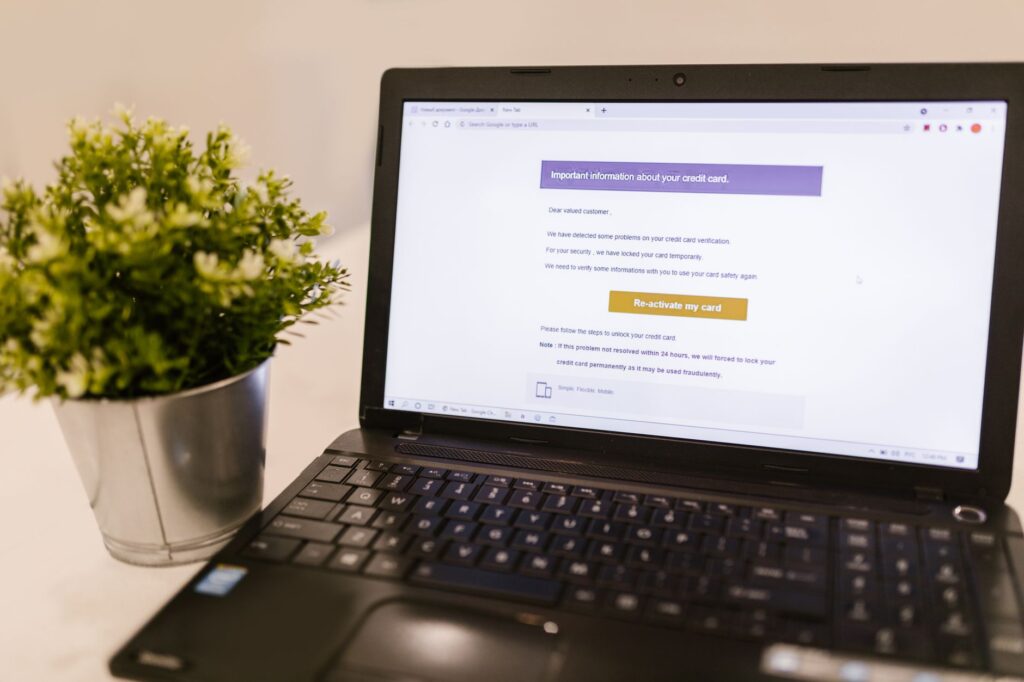
WooCommerce Guest Order Merger Pro automates the linking of past guest purchases to registered accounts via OTP verification, eliminating duplicate orders and improving customer retention. By matching email addresses and authenticating ownership, it consolidates purchase history without compromising security. This streamlines the user journey while reducing administrative overhead.
Bulk Category Image Management Without Manual Errors

The ERPAI Category Image Importer automates bulk uploads and precise image-to-category matching, saving hours during store migrations or updates. Its error-resistant workflow ensures visual consistency across devices, enhancing product discovery. For WooCommerce stores with large catalogs, this tool turns a tedious task into a scalable, repeatable process.
Strategic Order Quantities: Balancing Costs and Demand

Setting minimum and maximum order quantities in WooCommerce aligns supplier economics with inventory control, preventing stock hoarding and cash flow strain. The optimal MOQ reflects cost-effective production thresholds, while caps ensure fair distribution. This approach protects profitability while accommodating customer demand without overstocking.
Key Takeaways
- Reliability first: Store-and-forward sync and automated sitemap tools prioritize uptime and scalability, critical for high-traffic e-commerce sites.
- Security as automation: MFA, OTP verification, and adaptive policies reduce manual intervention while hardening defenses against automated attacks.
- Bulk operations matter: Tools for category image imports and order quantity controls save time and reduce human error at scale.
- Inventory economics: Strategic MOQ settings mitigate overstocking risks while optimizing supplier relationships.
- User experience synergy: Consolidated guest orders and seamless offline syncs enhance trust and reduce friction in the purchase journey.
Explore more from our Site Tools & UX coverage.